
Video Transcriber AI
Converts video content into accurate written transcripts from YouTube links, Zoom recordings, and MP4 files.
Are you the owner?
Claim this tool to publish updates, news and respond to users.
Sign in to claim ownership
Sign InDescription
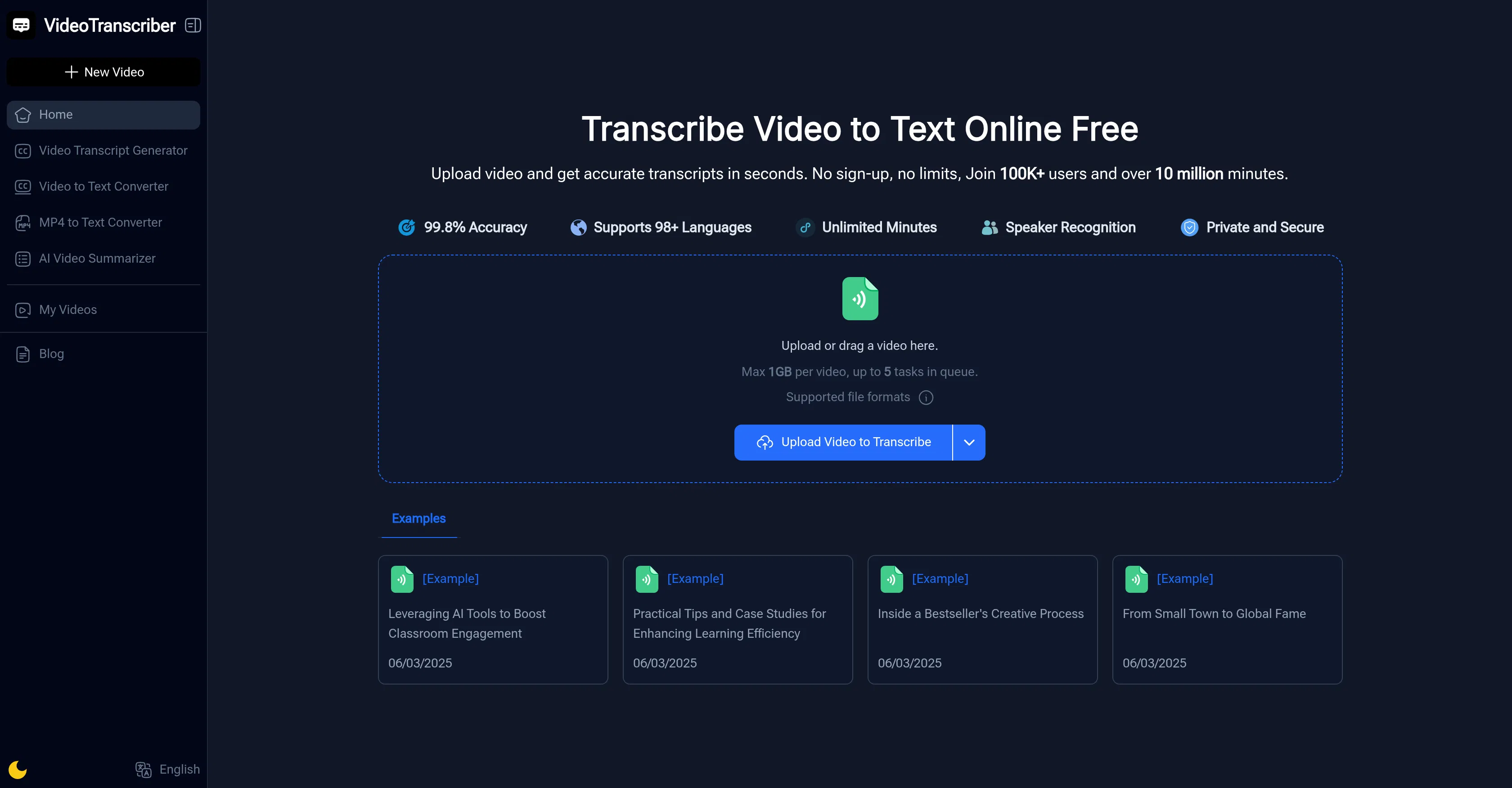
Video Transcriber AI is an online tool developed by a dedicated team to automate the conversion of spoken video content into written text, providing significant time savings and enhancing content accessibility. Its primary value lies in eliminating the need for manual transcription, allowing users to quickly obtain accurate, editable text from their video materials, which can then be repurposed for various professional and personal needs.
Key features: The tool supports a wide range of input sources, including direct YouTube URL pasting, uploads of Zoom meeting recordings, and common video file formats like MP4, MOV, and AVI. It processes these inputs to generate searchable text transcripts with speaker identification where possible. Users can edit the generated text directly within the platform, export transcripts in multiple formats such as TXT, SRT, or VTT for subtitles, and benefit from a straightforward, no-installation web interface that requires only an internet connection.
What makes Video Transcriber AI unique is its focus on simplicity and a freemium model that provides immediate value without upfront cost. Technically, it leverages advanced automatic speech recognition (ASR) models optimized for clarity and multiple accents, operating entirely in the cloud without requiring local software. The platform is web-based, ensuring compatibility across all major desktop and mobile browsers, and it emphasizes data privacy by processing uploads securely without retaining files longer than necessary for the transcription task.
Ideal for content creators, marketers, educators, students, journalists, and business professionals who need to create subtitles, generate blog posts from video content, archive meeting minutes, or make video content searchable and accessible. Specific use cases include transcribing educational lectures for study notes, converting webinar recordings into textual summaries for distribution, creating closed captions to improve video SEO and audience reach, and documenting interviews or podcasts for easy quoting and reference.
Similar Tools